Telegram Video Streaming Platform
INSTANT STREAMING • ZERO STORAGE Lumify Stream LK

Scroll-driven Telegram video playback & subtitle experience

SCROLL DOWN
BOT TO BROWSER

Telegram starts it.
Stream makes it watchable.

A structured scroll-driven video experience. Everything from bot link creation to viewer SRT upload and subtitle controls unfolds seamlessly.


Open Telegram Bot
INSTANT STREAMING • ZERO STORAGE
TELEGRAM BOT FOR PUBLIC VIDEO LINKS

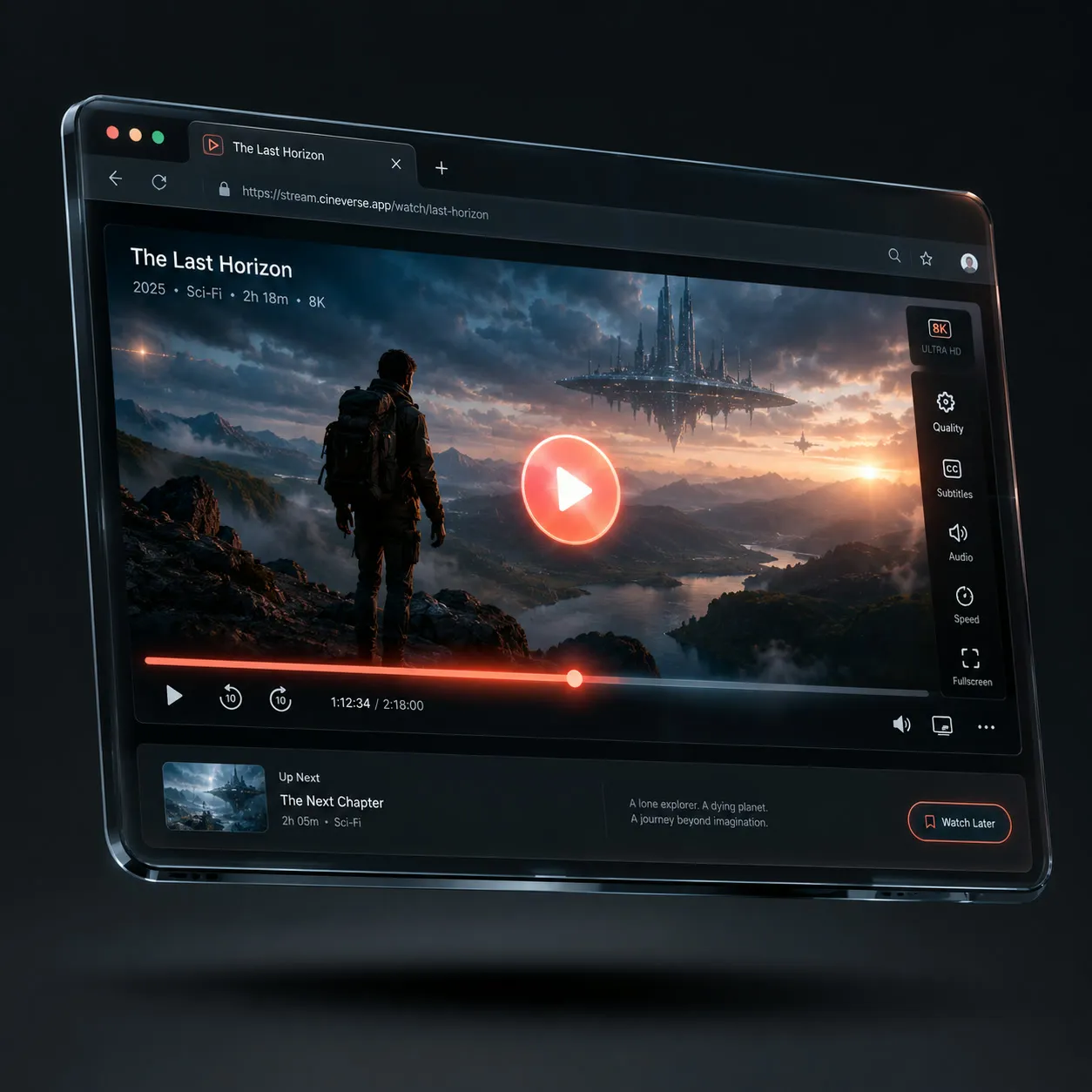
Watch Telegram Videos in Your Browser

Send your video to @LumifyStream_LKBot and get a public streaming link. Anyone with the link can watch the Telegram video in a browser without installing Telegram or creating an account.

54 Files Streamed
293 Total Video Plays
2GB+ Max File Size
t.me/LumifyStream_LKBot → public stream
BOT WORKFLOW Public link in seconds
PASSWORD ENCRYPTION LINK REGENERATION QR CODE STREAMING SRT SUBTITLES SUBTITLE STYLING PUBLIC VIDEO LINKS NO TELEGRAM LOGIN 0-WAIT SEEKING
WHY STREAM

A better path from bot to audience.

Purpose-built details remove friction for the person publishing and the person watching with subtitles.

INSTANT LINK GENERATOR

Create links from Telegram

Use the bot to turn Telegram videos into public Stream pages without setting up a dashboard.

NO LOGIN NEEDED

Watch without Telegram

Viewers open the Stream link in a browser without installing Telegram or creating an account.

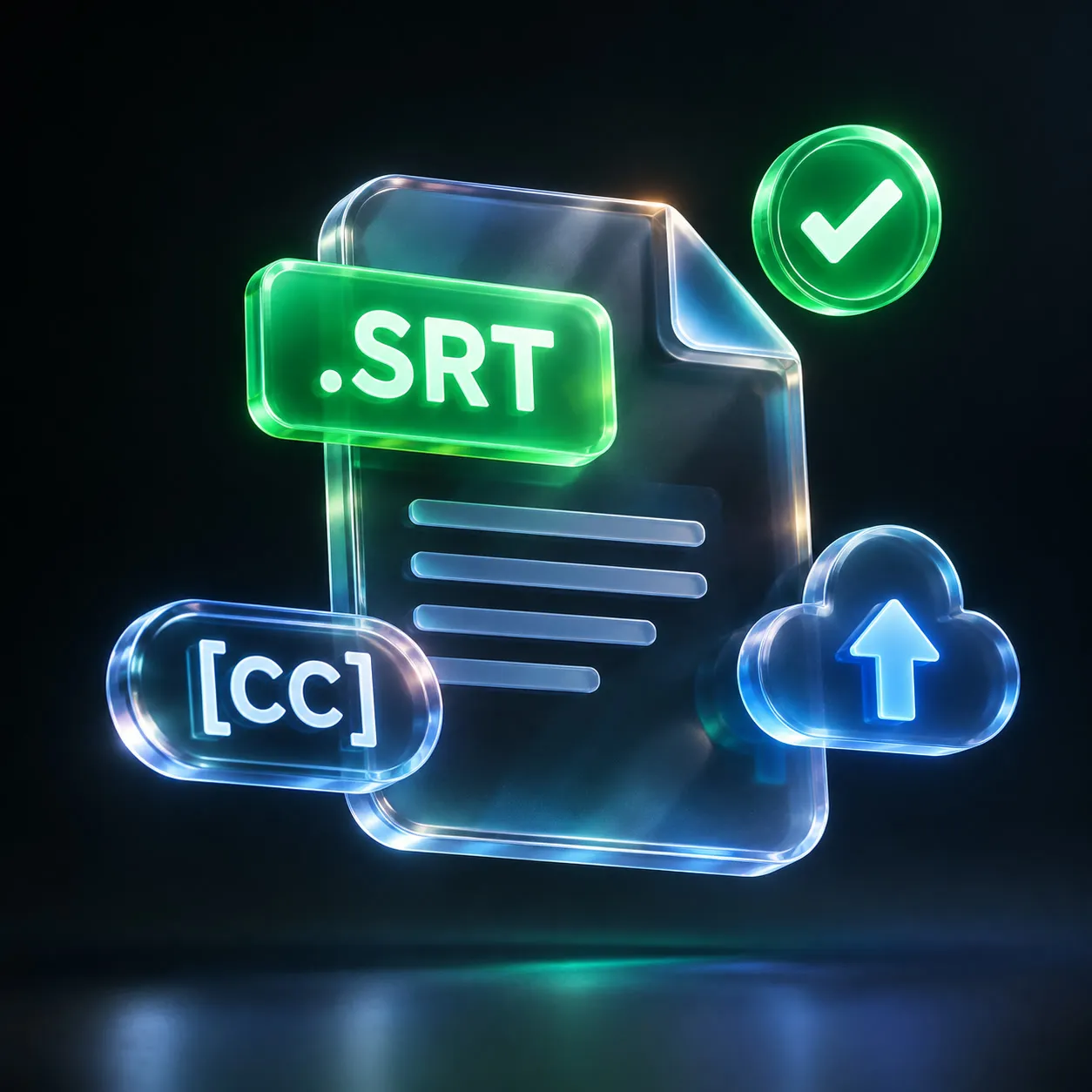
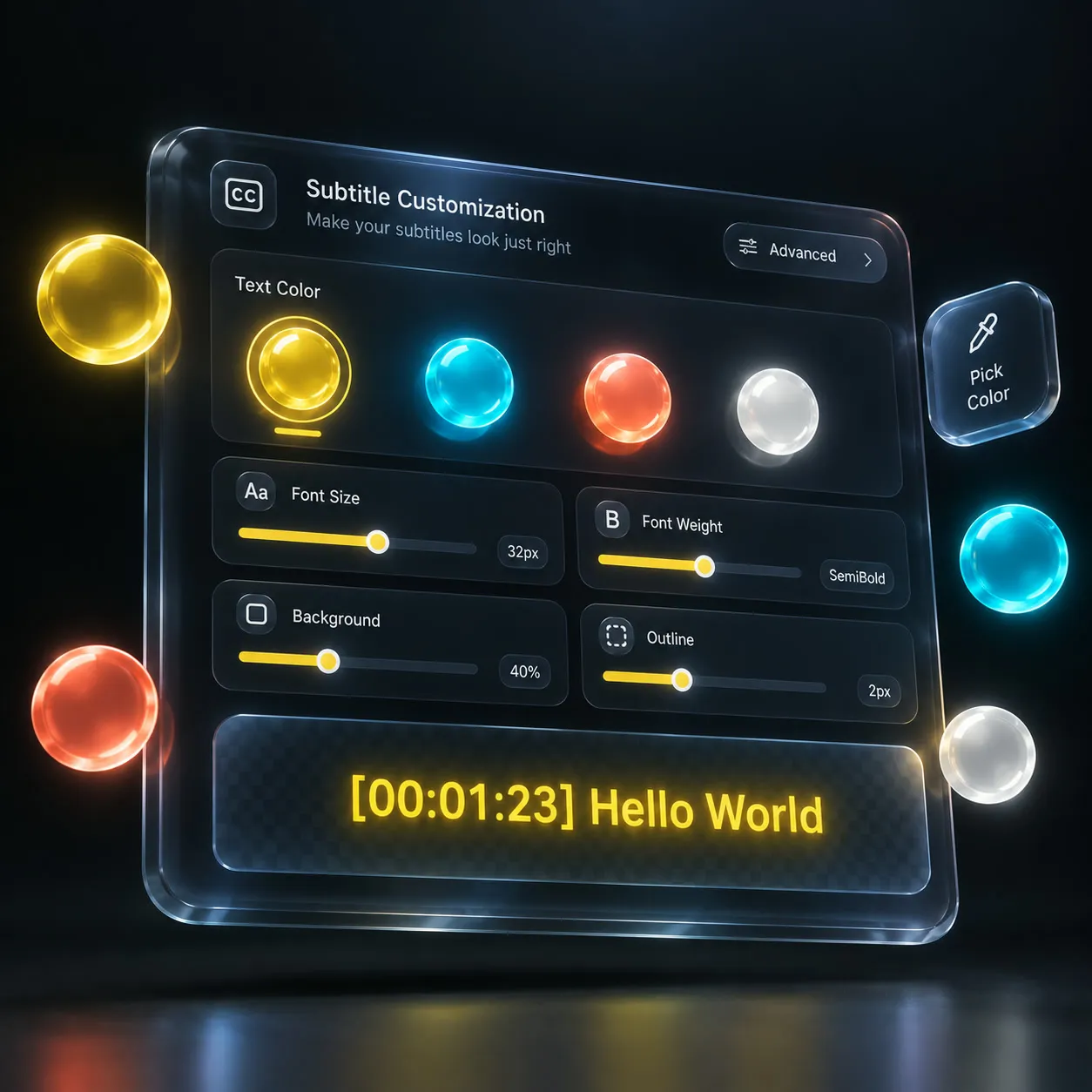
CUSTOM SRT CAPTIONS

Bring readable subtitles

Upload an SRT file in the player and tune subtitle size, colors, font, background, and position.

BOT TO PUBLIC LINK SCROLL TO REVEAL

Experience effortless Telegram-to-web video streaming in seconds. Forward any video to the bot, get an instant shareable link, and deliver seamless playback with custom SRT subtitles, 0-wait seeking, and complete browser freedom without logins or limits.

HOW IT WORKS

Three steps.
Bot to browser.

Stream handles the layer between Telegram bot publishing and public browser playback — instantly and without any file storage.

Get started with @LumifyStream_LKBot →
01

Send video to @LumifyStream_LKBot

Open the Telegram bot and forward or upload the video you want to publish.

02

Get a public stream link

Stream prepares a high-speed browser playback page for the Telegram-hosted video instantly.

03

Watch with custom subtitles

Viewers can open the link in any browser, add SRT subtitles, or stream directly in VLC & MX Player.

COMMON QUESTIONS

Clear answers before you share.

Still need help? Ask the bot →
How do I create a public video link? +
Simply send or forward any video or audio file to @LumifyStream_LKBot on Telegram. You will instantly receive a public streaming link, along with direct download and player links.
Do viewers need Telegram? +
No. Anyone with the Stream link can watch directly in Google Chrome, Safari, Firefox, Edge, or even external media apps like VLC and MX Player without installing Telegram.
Can viewers add subtitles? +
Yes! Our web player includes built-in subtitle support. Viewers can click "Upload Subtitles (.srt / .vtt)" to load their own local subtitle file directly in the browser.
Does it store my video on the server? +
No server disk storage is used. Files are streamed on-the-fly directly from Telegram's high-speed cloud infrastructure via HTTP 206 Partial Content range requests.
Is this service free to use? +
Yes, it is 100% free with unlimited streaming bandwidth, proudly powered by the LK BotVerse network.
READY WHEN YOUR VIDEO IS

Create a public Telegram video page from the bot.

Send a video to @LumifyStream_LKBot, share the public link, and let viewers watch in the browser with full seeking and subtitle controls.

Open Telegram Bot